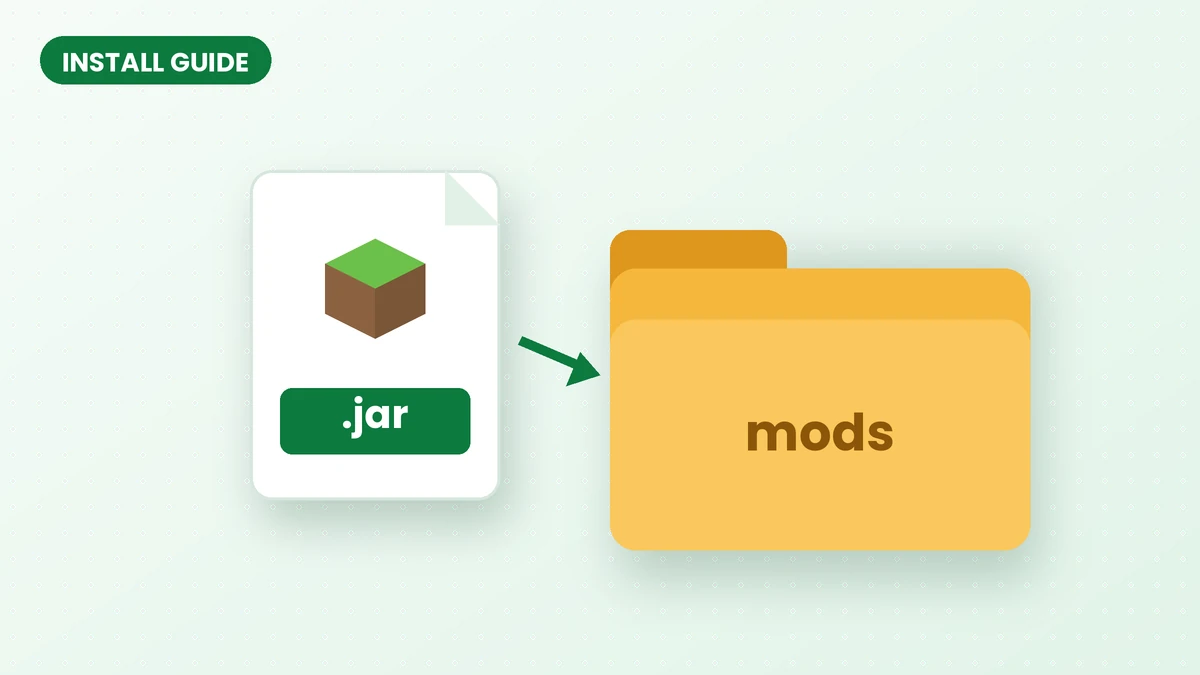
How to Install Effortless Building Mod (Step-by-Step)
Set up Effortless Building Mod with a compatible loader, the correct game version and a clean installation, then test your first shape in Minecraft Java.
Read guideGet more from Effortless Building Mod with focused guides for Minecraft Java. Start with installation, develop your building workflow, or find a solution when your setup needs attention.
Installation, design techniques and troubleshooting in one place.
Set up Effortless Building Mod with a compatible loader, the correct game version and a clean installation, then test your first shape in Minecraft Java.
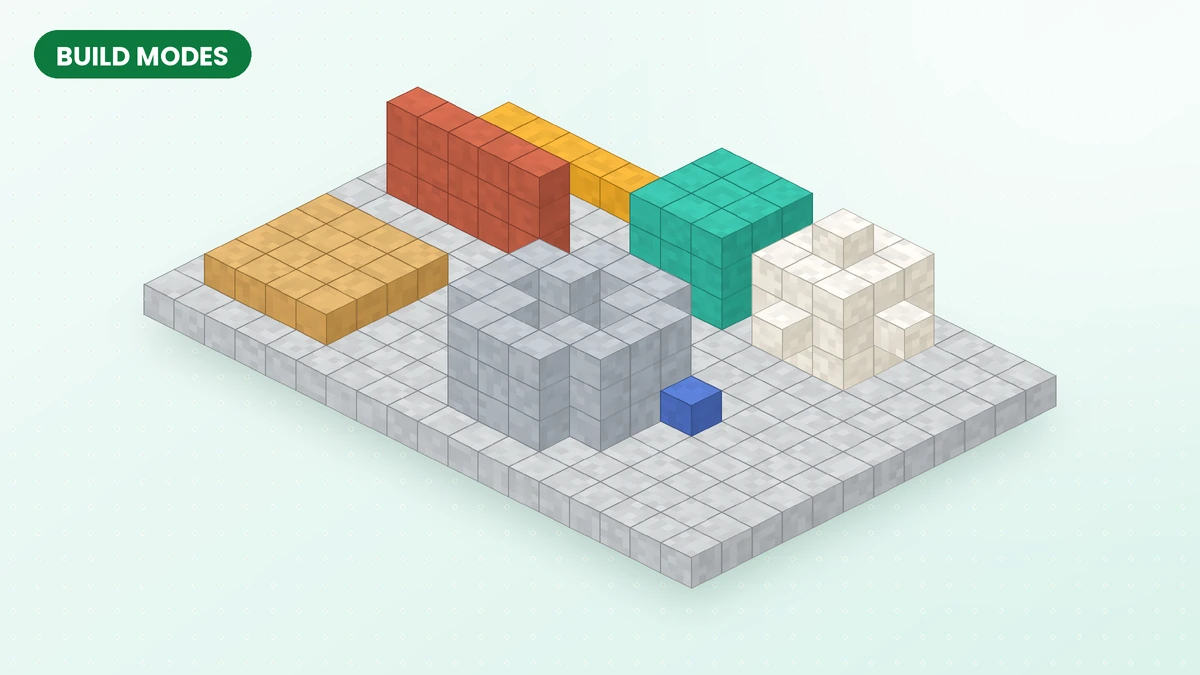
Read guideChoose the right Effortless Building Mod shape for foundations, walls, roofs and rounded structures, then refine the placement before confirming it.
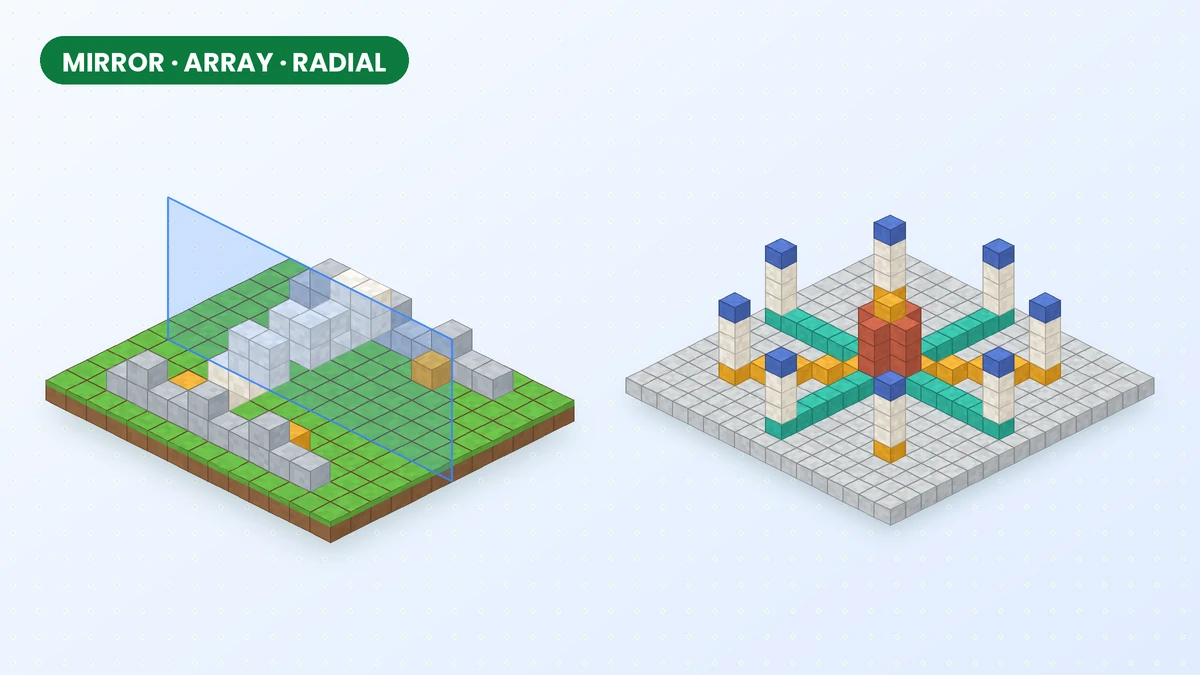
Read guideCreate balanced facades, repeat structural details and arrange circular patterns with the mirror, array and radial mirror tools in Effortless Building Mod.
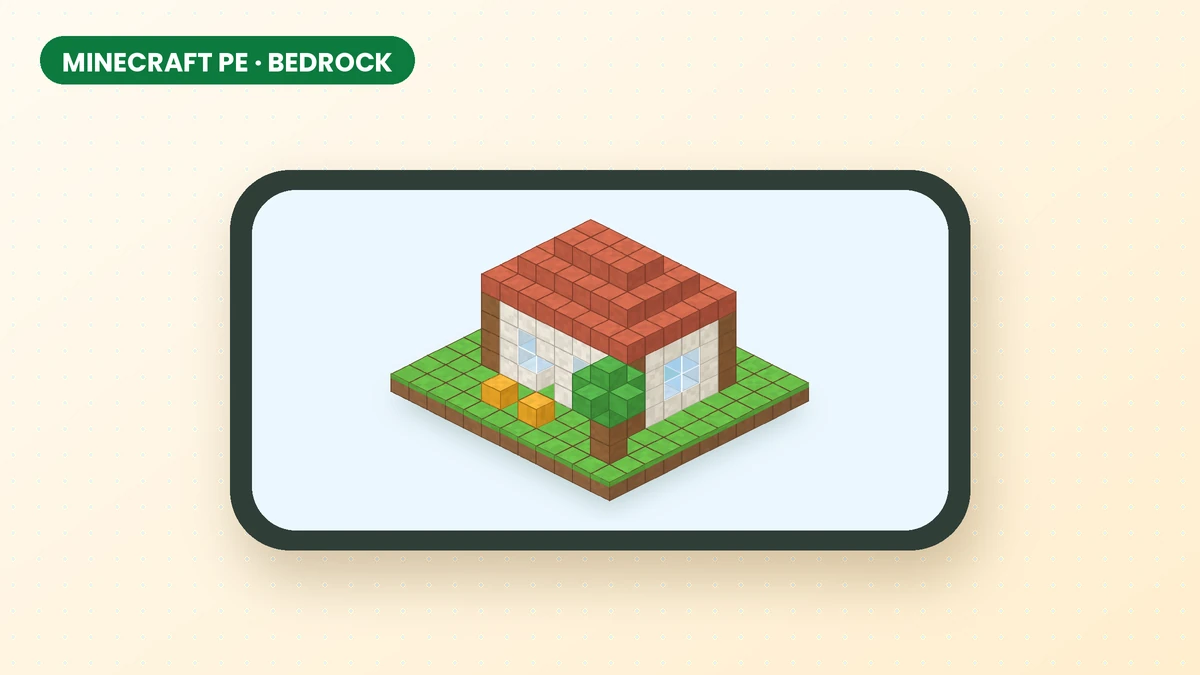
Read guideCheck which Minecraft edition you use before downloading. This guide explains the Java mod, mobile compatibility and the separate Bedrock add-on.
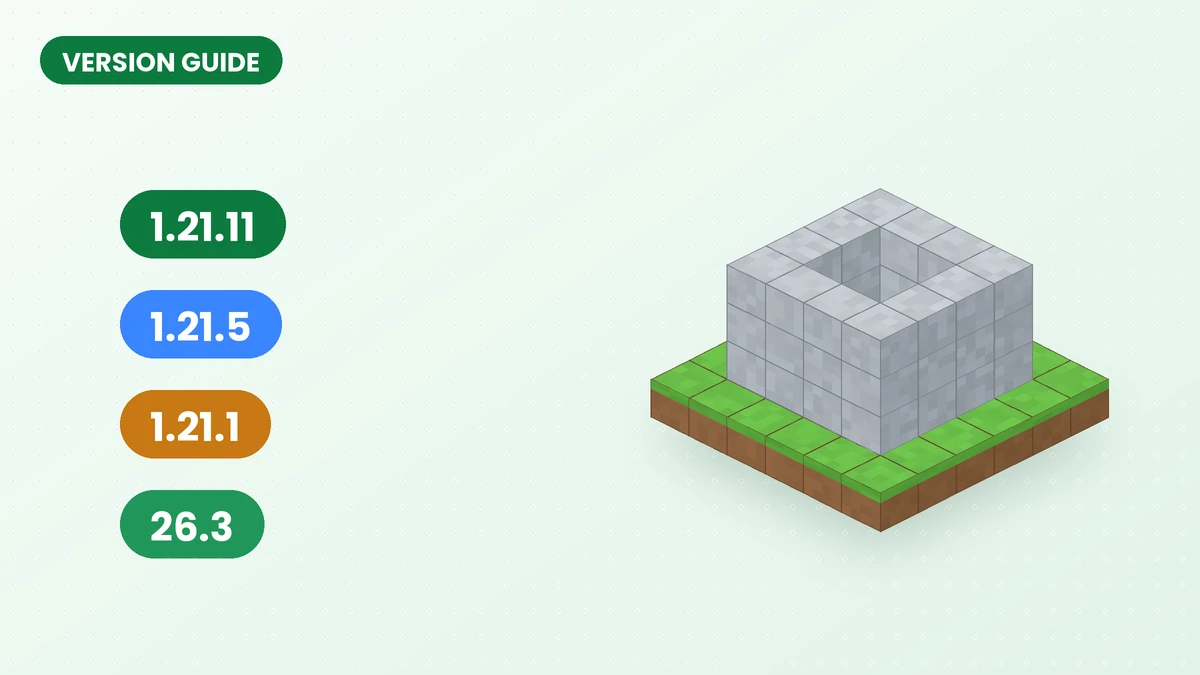
Read guideCheck Minecraft and loader requirements before choosing an Effortless Building Mod file, including what to verify when looking for a 1.21.11 release.
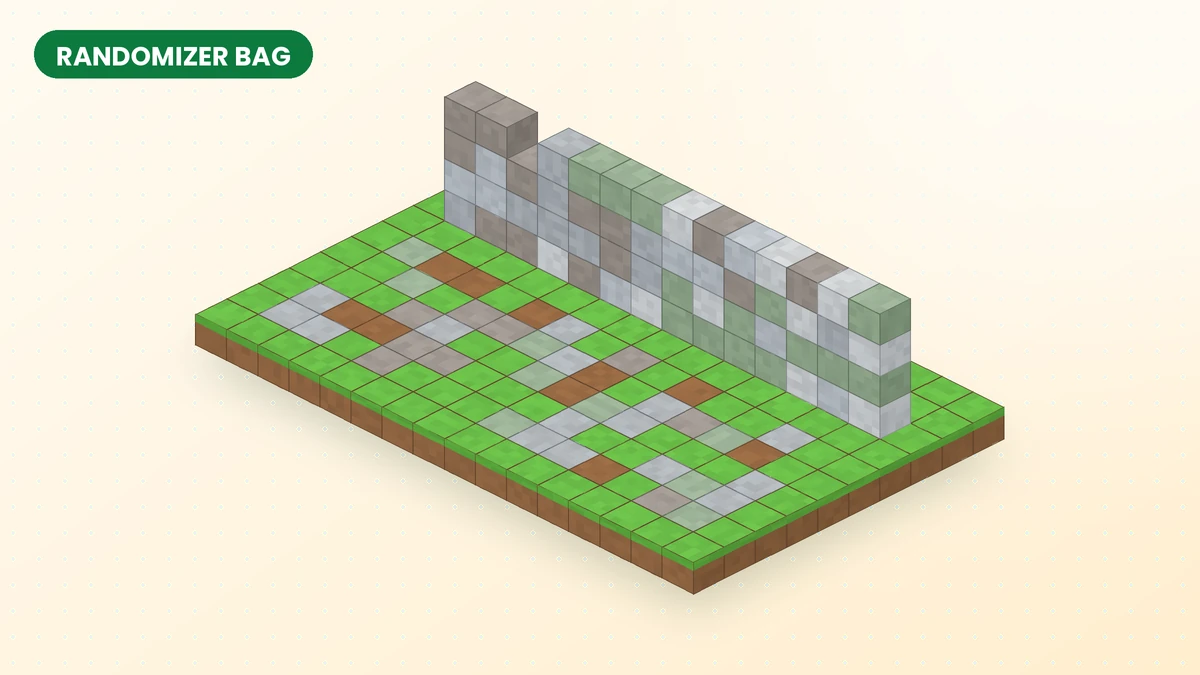
Read guideGive walls, paths and landscapes a varied finish with the Effortless Building Mod Randomizer Bag, from palette selection to larger textured placements.
Read guideUnderstand how your Minecraft Java loader affects the Effortless Building Mod file you need, and keep your modpack installation consistent.
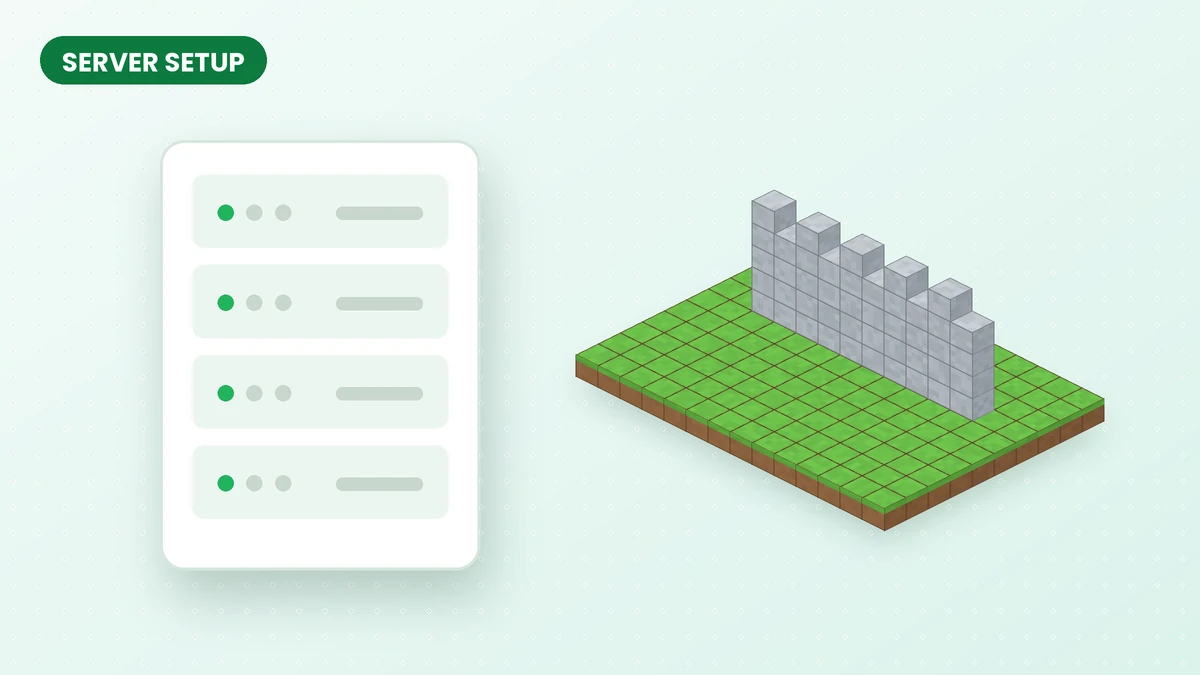
Read guidePrepare Effortless Building Mod for a shared world, align client and server files, and review placement settings before your group starts building.
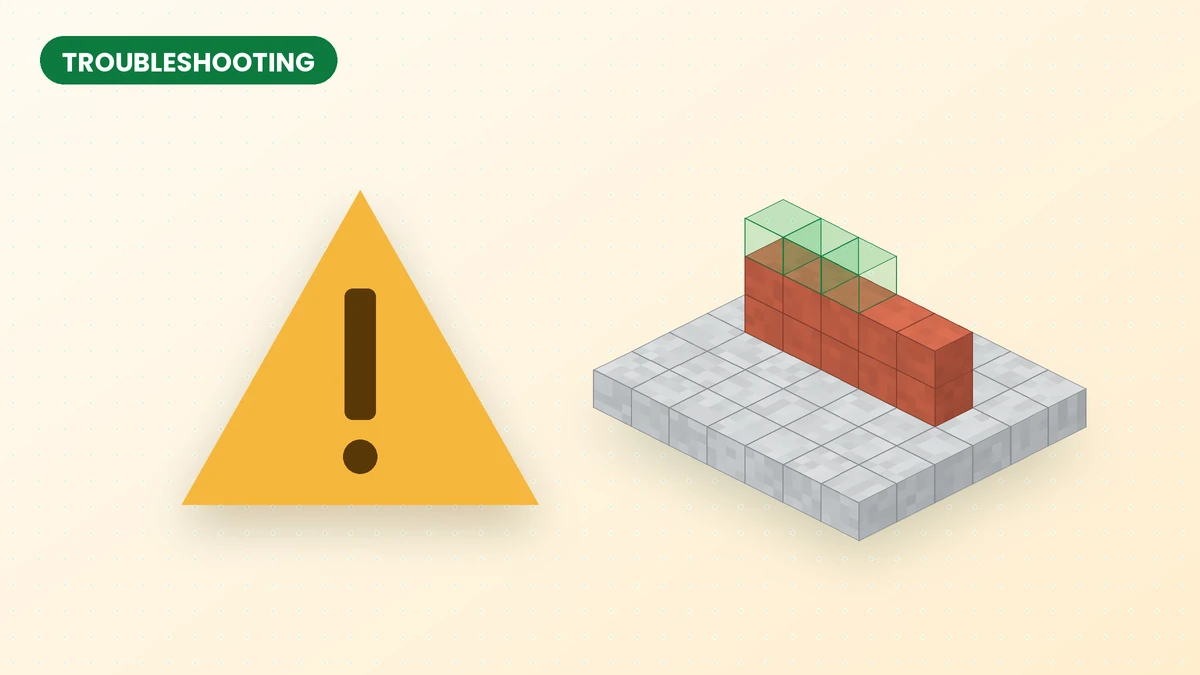
Read guideFind the cause of an Effortless Building Mod problem by checking your version, active profile, controls and server installation in a clear sequence.
Read guide