▦
Build Modes
Lay out walls, floors, cubes, lines, circles, cylinders and spheres from guided points rather than placing each block manually.
Make large Minecraft builds easier to plan and faster to execute with shape-based placement, mirrors, arrays, radial patterns and block variation tools. This independent guide keeps setup, compatibility and safe-use information clear before you download.
Effortless Building Mod changes the rhythm of building by letting you define shapes and repeat placement logic instead of manually setting every block. The result is faster structural work without losing control over layout, symmetry or materials.

The strongest value comes from combining shape placement with symmetry, repetition and controlled variation instead of treating each tool as a separate trick.
Lay out walls, floors, cubes, lines, circles, cylinders and spheres from guided points rather than placing each block manually.
Create symmetrical facades and circular patterns by reflecting or repeating placement around a defined axis or center.
Repeat columns, beams, supports, tunnel segments and modular details at consistent offsets for cleaner large-scale layouts.
Add material variation to surfaces, test larger actions in stages and correct mistakes before they become expensive to rebuild.
A clean setup prevents most avoidable problems and gives you a reliable base before you attempt large mirrored or repeated operations.
Confirm Minecraft Java Edition, the exact game version and the compatible Fabric, Forge or NeoForge release for your chosen mod build.
Back up important worlds, keep the profile clean and avoid mixing Java mod files with Bedrock or mobile add-on packages.
Try one line, wall or mirror in a safe world, then scale into arrays, larger shapes and more complex placement workflows.
Effortless Building is most valuable when the design has a repeatable rule. Instead of treating every block as a separate action, you work with a shape, modifier or palette strategy and then scale the result carefully.
Use walls, floors, cubes and mirror placement to keep large facades, interiors, gates and room layouts aligned without measuring every repeated block manually.
Circle, cylinder and sphere-style workflows are useful when a build needs consistent radius, shell thickness or rounded geometry that is difficult to reproduce by eye.
Arrays help repeat columns, tunnel segments, beams and decorative units at planned offsets, while randomizer tools can break up materials so repeated builds do not look flat.
The Java project is listed across multiple Minecraft release lines and uses loader-specific builds. A file that matches the game number but not the loader can still fail, and Java packages should never be treated as Bedrock add-ons.
Current project listings include Java releases across Fabric, Forge and NeoForge families, with exact availability depending on the Minecraft version you choose.
Server use can require compatible versions on both sides. Keep the game version, loader family, dependencies and mod build aligned before troubleshooting permissions or build behavior.
Minecraft Bedrock and standard Android installs use add-on formats rather than Java mod files. Use Bedrock-specific packages for those platforms instead of the Java archive.
This button uses the exact archive URL supplied for this project. It points to the 1.20-alternative source branch archive, so confirm that this package matches the version and loader setup you intend to use.
Download Effortless Building Mod
Create a world backup, confirm Minecraft and loader versions, and test new or changed mod files in a non-critical world. Large placement tools can affect many blocks quickly, so start with conservative operation sizes.
This site does not bundle a loader or dependency installer. Use the environment already chosen for your Minecraft version and keep every component on a compatible release line.
Copy important worlds before changing loader or mod files.
Confirm whether your target release expects Fabric, Forge or NeoForge.
Place the compatible mod file in the correct mods folder and test a small build in a safe world.
The safest install decision comes from four checks: Minecraft version, loader, mod release line and environment. A nearby version number can still be incompatible when mappings, loader APIs or dependencies changed.
| Environment | Check before installing | Why it matters |
|---|---|---|
| Java 1.20.x | Exact sub-version, loader and release branch | The supplied archive points to a 1.20-alternative source branch, so it should not be assumed to match every 1.20.x profile. |
| Java 1.21.x | Exact game number plus loader family | Project listings span several 1.21 releases; a file for one 1.21 sub-version is not automatically valid for another. |
| Multiplayer | Client/server compatibility and matching dependencies | A working single-player profile can still fail on a server when versions, permissions or required components differ. |
| PE / Bedrock | Bedrock-compatible add-on package | Java mod archives and Bedrock add-ons are different formats and should not be mixed. |
Most problems become easier to isolate when you reduce the setup to one loader, the required dependencies and one Effortless Building release. Add the rest of the modpack back only after the core profile works.
Verify the file is in the active profile’s mods folder, then confirm the exact Minecraft version and loader. Remove duplicate or wrong-loader files before testing again.
Test the same shape at a smaller size in a clean world. Recheck replace behavior, available blocks, keybinds and modifiers before assuming the shape mode itself is broken.
Reduce the block count, array repeats and preview complexity. If performance improves, increase the operation gradually and test without shaders or heavy background mods.
Static guides cover features, installation, Java, PE/Bedrock distinctions, Android questions, common errors and performance.
Version, loader and backup checks before your first launch.
Read installation guide →
Understand why Java mod files and Bedrock add-ons are different.
Read Bedrock guide →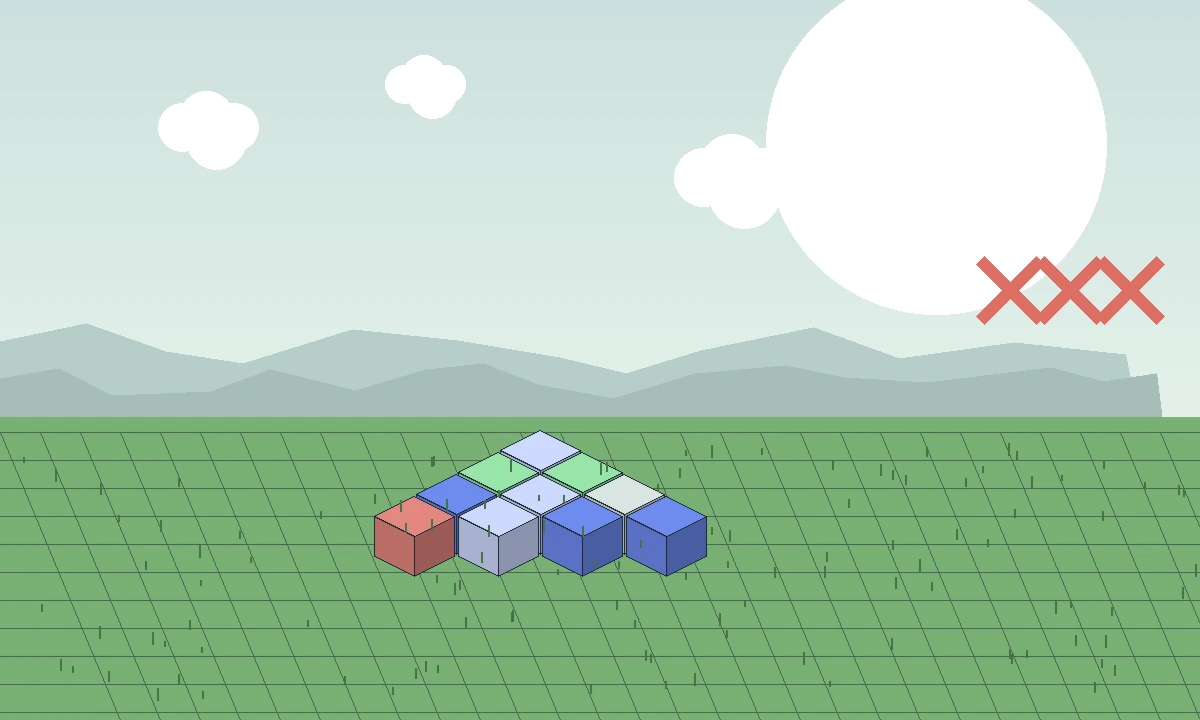
A practical checklist for startup, loader and server issues.
Read troubleshooting guide →Find clear answers about installation, Java compatibility, Bedrock and Android differences, build modes, mirrors, arrays, performance and troubleshooting. Open one question at a time for a focused answer.