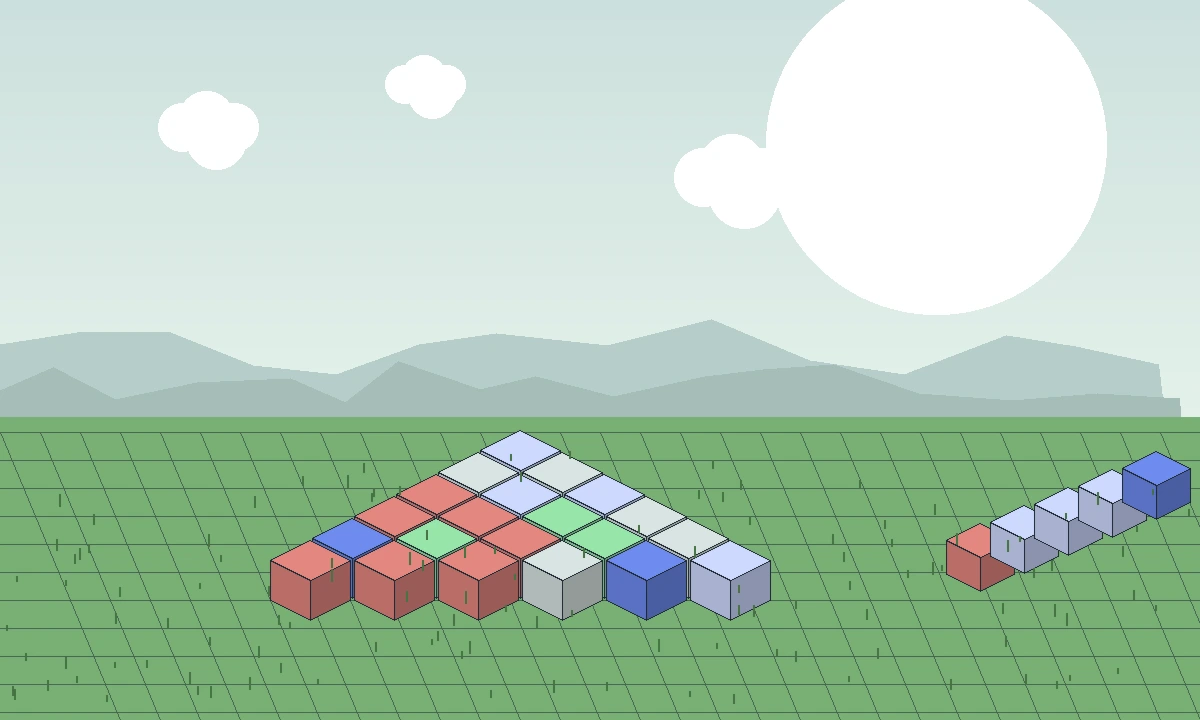
Minecraft 1.21.11 appears in current Java Edition project listings for Effortless Building Mod, but the version number is only one part of compatibility. You still need a matching loader build, compatible dependencies and a clean profile that does not mix older files.
Confirm the exact 1.21.11 release
Use a mod file that explicitly names Minecraft 1.21.11. Do not substitute a 1.21.1 or 1.21.5 build simply because the major version looks similar.
If you update an existing profile, remove the previous Effortless Building file before adding the new one. Duplicate versions can cause loader errors or unexpected behavior.
Match the loader family
Recent Effortless Building listings include Fabric and NeoForge for some new Minecraft releases, while other versions may also have Forge support. Match the loader named for the exact file.
A Fabric mod is not converted into NeoForge by changing the filename. The loader ecosystem is part of the build itself.
Test configuration after upgrading
Major mod updates can change menus, keybinds, defaults and performance behavior. Review settings after an upgrade rather than assuming your previous preferences migrated exactly.
For a building utility, verify replace rules and large-operation behavior before working near a detailed structure.
Server considerations
If the server requires the mod, the server and clients should use compatible versions. A local single-player test does not guarantee that a multiplayer server has the same permissions or configuration.
Ask the server administrator which mod and loader versions are supported before changing your client profile.
When the supplied download is not the right file
The direct archive supplied for this website is labeled for a 1.20-alternative source branch, so it should not be presented as a universal 1.21.11 installer.
For 1.21.11, the correct approach is to use a release that explicitly targets that version and your loader.
Related guides
Continue with a guide that matches the next decision in your setup: